An engineering workstation on a pale pine desk with a monitor and keyboard under cool north window light

PC & Desktop Applications

Desktop software that survives its first year

Not every project that starts as a game idea ends as one. We build internal tools, customer-facing utilities, simulation front-ends and crossover projects on the same pipeline that ships our games — and we plan for the decade after handover.

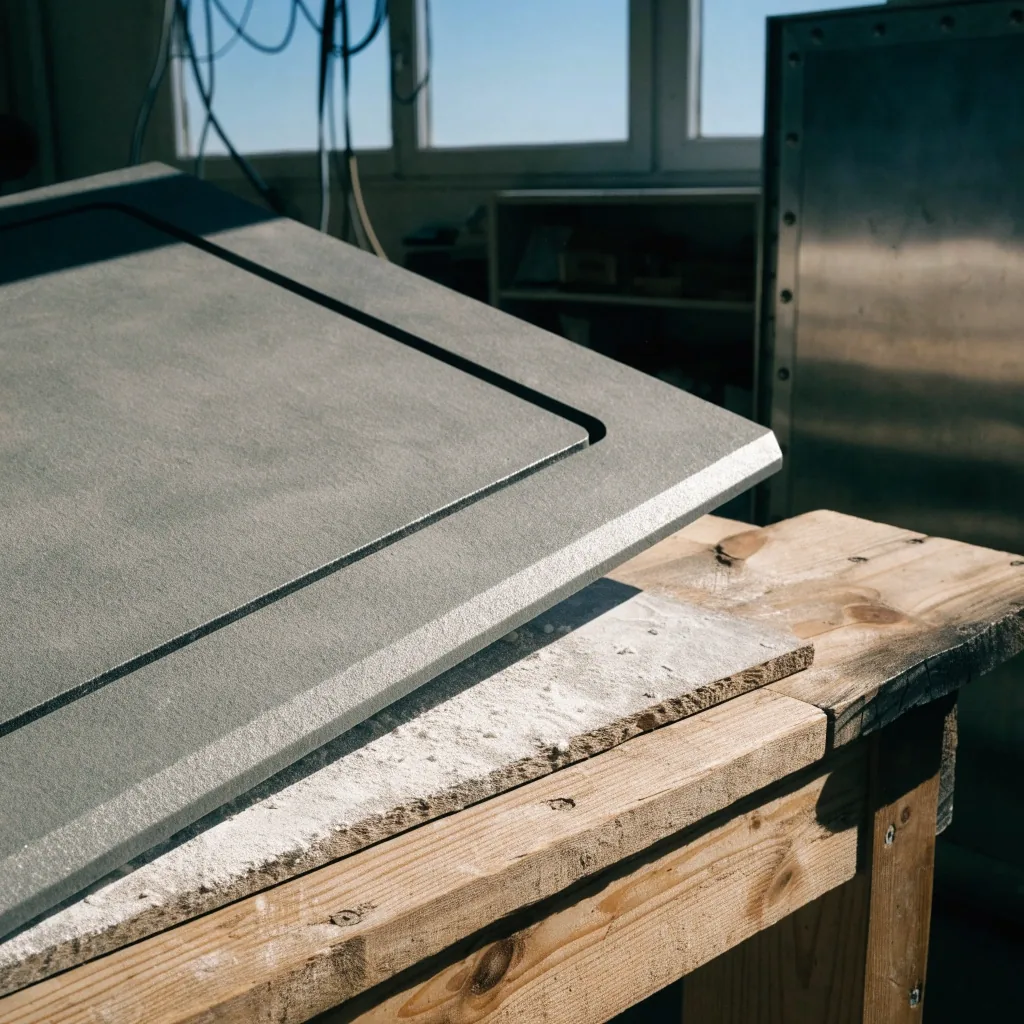
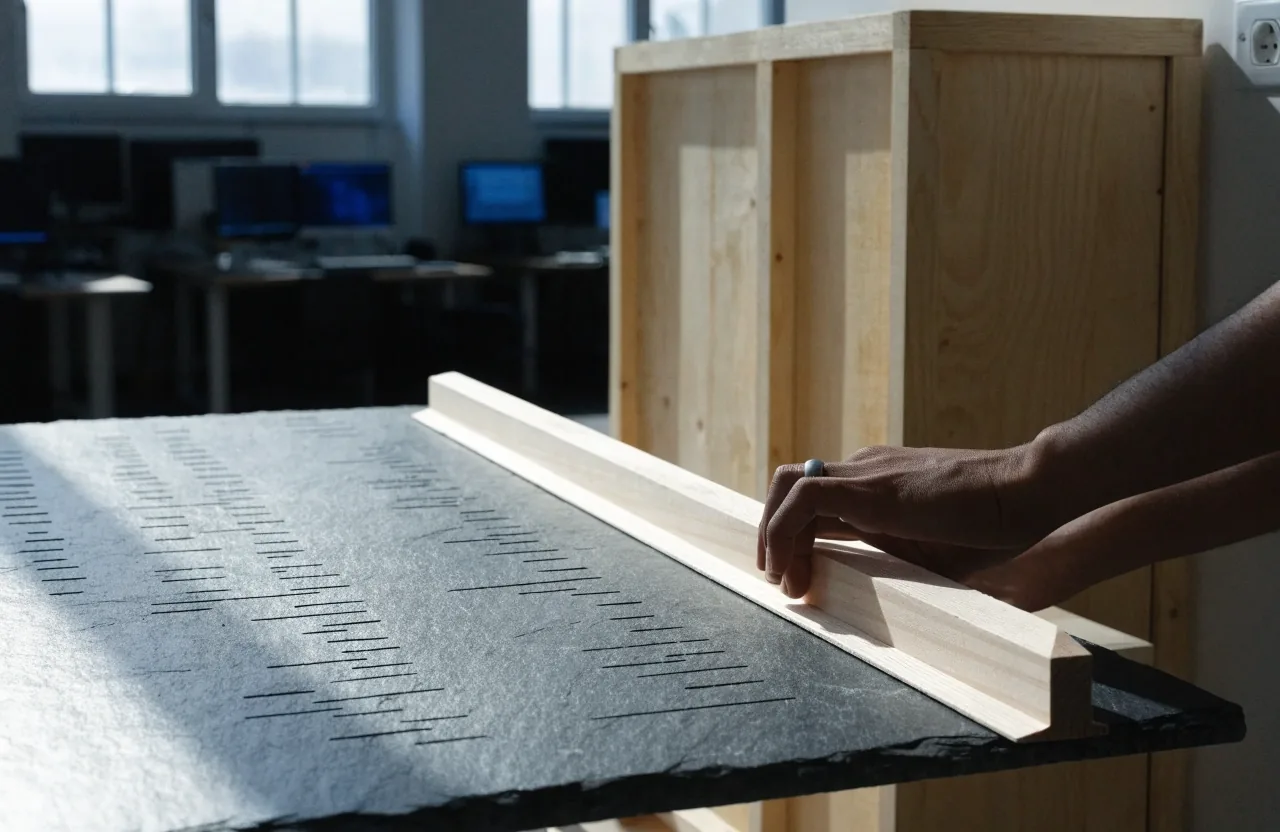
Routed hairline channel in a slate instrument face catching cool north window light
Mill finish & chamfer, on the bench
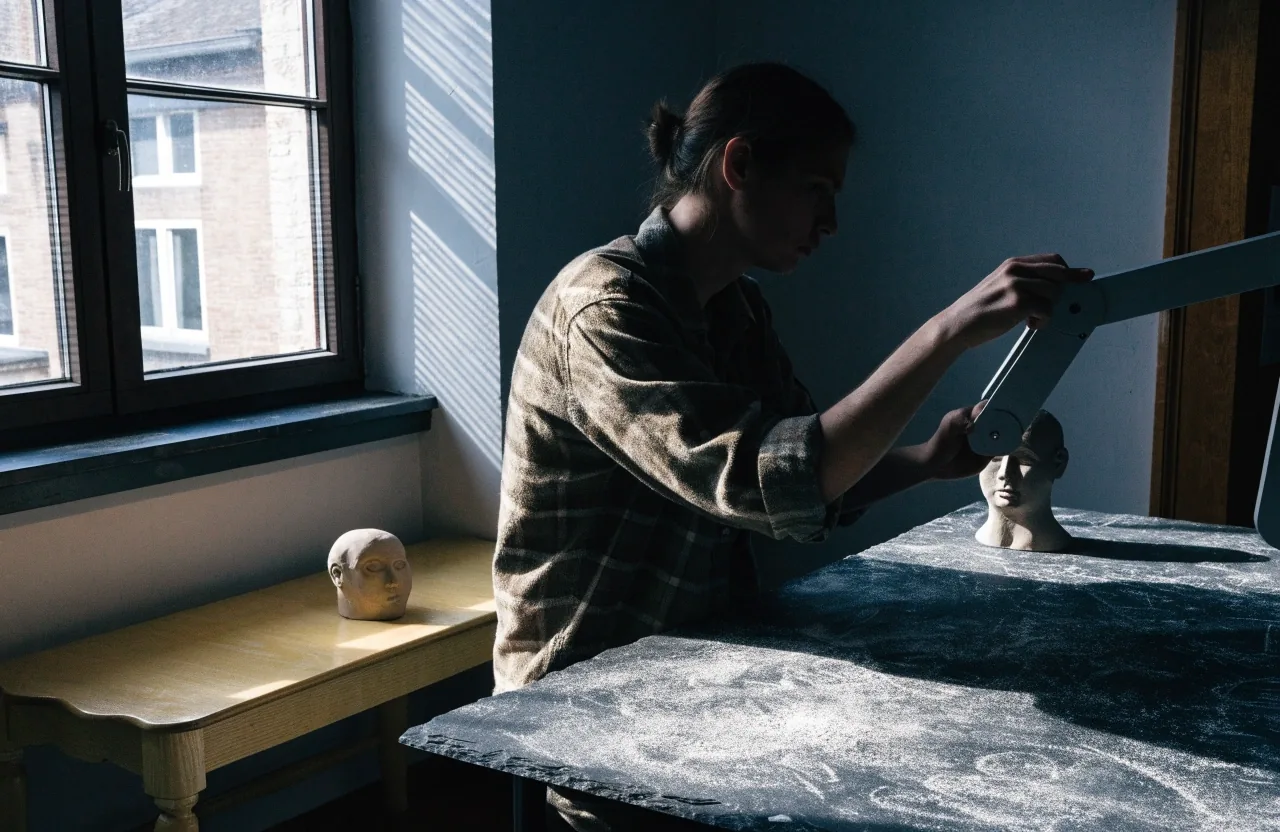
A designer at a pine bench with a running grey-box level on a monitor and a clay character sculpt beside it
Crossover project, prototype pass, Lochristi studio

Where the two lanes meet

Game pipeline, business software deadline

Windows is our default target, because that is what most Belgian clients and their users run day to day. Some of that work is an internal tool used by a handful of staff. Some is a utility shipped to thousands of users who will install once and expect it to keep working.

The engineering discipline is the same in both cases: clear requirements, reproducible test cases, and a build that runs on a machine other than the developer's own laptop.

Default platform
Windows desktop, x64, with code-signed installers.
Distribution
Direct download, signed, with an update mechanism and a clean uninstall.
Target lifespan
A business tool can stay in use for a decade; the code needs to outlast the team.

Five ways desktop work shows up

From a sticky-note scope to a handover box

The five stations below are the shapes we keep coming back to on desktop and PC application work in Belgium — from the small internal tool to the simulation front-end that has to onboard a non-technical trainee.

Internal tools

Tools written to be read after we leave

Internal tools get a bad reputation because they are usually built by whoever had time that week, with no tests and no documentation. Then the person who built it leaves, and the next hire inherits a black box.

We version and review them the same way we version and review commercial software. A data-entry tool that crashes on malformed input costs more in staff hours than a proper input-validation pass costs to write — and scope is usually small enough to fit inside a few weeks.

Windows · internal network · weeks, not months

Customer-facing utilities

Distribution is part of the product

The user has no obligation to be patient. If the installer fails or the app looks untrustworthy, they uninstall and never come back. Features will not save a product that trips a security warning.

Code signing, a clean installer, an update mechanism and a clear uninstall path are part of the deliverable, not afterthoughts. We handle Windows desktop distribution directly and we do not sell app-store publishing as a standalone service.

Signed build · update channel · uninstall path

Simulation front-ends

The interface behind the model

A meaningful share of our desktop work sits behind a simulation. The engine handles the physics or the process model; the desktop application handles the interface, the session management, the scoring and the reporting.

This is where the game background earns its keep. Trainee-facing software has to onboard people who are not technical users, and the techniques for that are the same ones a game uses to teach a mechanic without a tutorial wall. Belgian studios in this space, LuGus Studios in Genk among them, work the same overlap from the game side.

Session control · scoring · reporting

Crossover projects

One pipeline, not two teams

A VR training module is a game-engine build with a business software requirement attached. A simulation with a desktop companion app needs both at once. Those are the projects we get called in for most often.

For those we run a single pipeline rather than splitting the team in half. The build system, versioning and review process stay the same, and the deliverable is decided per project rather than per discipline, so crossover work never gets treated as a special case.

VR · desktop companion · shared build system

Scoping & handover

Organised around the user, not the feature list

Scoping starts with the person who will run the thing. Who operates it, on what machine, in what context — and what happens on the day it breaks? From there we write a brief covering the platform target, the distribution method, the update path and the acceptance criteria.

Acceptance criteria are the part most clients skip, and the part that stops an argument at the end of the project. If the tool must talk to existing systems — a database, a sensor, an internal API — that gets identified during scoping rather than discovered during testing. Handover means source code, build instructions, and a walkthrough with whoever will maintain it.

Source, build instructions, walkthrough session

The difference from a game

A game is supported for years. A business tool has to run for ten.

The real difference between desktop work and game production is lifespan. A game's support window is measured in a handful of years. A business tool can stay in use for a decade, and someone will have to maintain it after we hand it over — often someone who never met the team that built it. That single fact changes how we write code: naming, comments, dependency choices and build scripts all bend toward the second reader, not the first one.

We write code a competent developer who has never met us can read. That is a low bar in principle and a rare one in practice, and it is the one thing we are not willing to trade on a shorter schedule — if the choice is between a clever shortcut now and a legible structure later, the structure wins. If you would like to see how that carries through the rest of the studio's work, the production process page describes the handover stage in more detail.

A desktop day, frame by frame

Five moments between kickoff and handover

A desktop engagement is a sequence, not a single deliverable. These are the five moments we keep coming back to on every project — a scoping walk through the real workspace, a signed build, a working key under a monitor, an internal tool open next to a build log, and a handover around the desk.

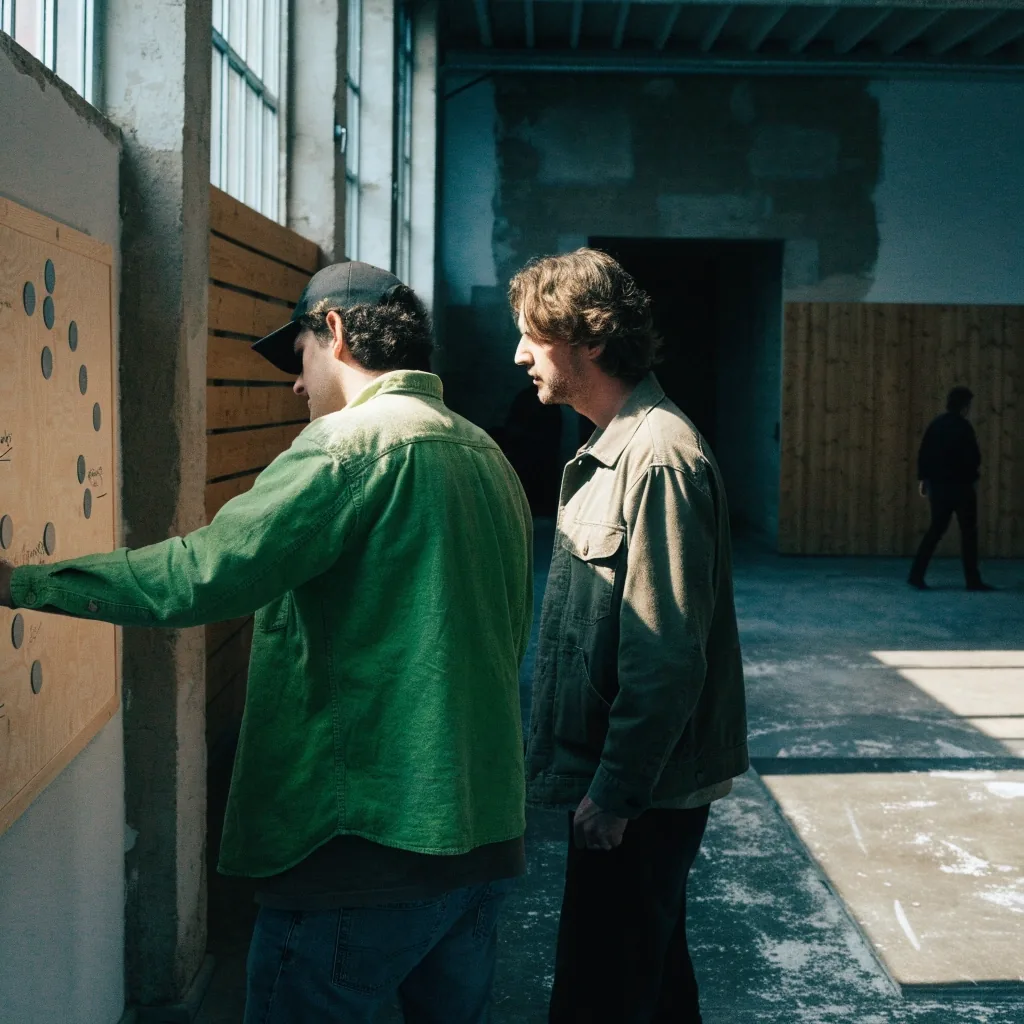
A small Belgian software studio room with a pine desk and chairs ready for a scoping session
Scoping walk — who runs it, on which machine
A USB drive and folded paper sleeve on a slate desk top under cool north window light
Signed build — installer, update path, uninstall
A USB flash drive, braided cable coil and stylus on a pale pine tabletop
Working key — backup, recovery, support window
A mechanical keyboard in soft focus under monitor glow on a pine desk
Internal tool — the entry screen staff actually use
A slate panel with a routed channel and a pine plate lying flush beside it
Handover — code, build instructions, walkthrough

Scroll to travel through the sequence — or swipe on a phone

Where in Belgium this kind of work happens

A working map of Belgian studios we cross paths with

The desktop and games overlap in Belgium is wider than it looks from the outside. These are the studios, cities and disciplines where the two lanes are already neighbours.

Studio

Discipline

City

Fishing Cactus

Games and in-house engine tooling, the reference point closest to our own pipeline

Mons

LuGus Studios

Serious games and simulation front-ends for training and industry

Genk

Cyborn

VR and XR productions with direct crossover into industrial desktop tooling

Antwerp

Appeal Studios

AAA-adjacent production with a deep proprietary tool pipeline behind it

Antwerp

Glowfish Interactive

Co-development for external publishers, a working model we share

Kortrijk

Humble Grove

Small-team narrative work, the lane where desktop tools sit closest to the game itself

Brussels

Nordic Bridge Solutions

Games, PC and desktop applications, held on a single pipeline

Lochristi

The list above is a landscape sketch, not a partner register. We have worked alongside some of these teams and only crossed paths with others — the point is that the desktop and games lanes overlap in Belgium, and there is room for a studio that treats both the same way.

A slate panel with a routed channel beside an unused pine plate on a workbench

Start here

Tell us what the software has to do

A short description beats a long one. Who runs the tool, what it replaces, and what has to happen on the day it breaks — that is enough for us to say whether it is a fit.

Describe your desktop project

We answer scoping questions directly. If your project is not a fit, we will say so in the reply.

We reply within two working days. Or write directly to [email protected].

Or route elsewhere

If you already know which side of the studio you need, the other doorways are below.

Questions before the call

Answers to the four we hear most

These are the questions that come up on nearly every desktop scoping call. If yours is not here, ask it directly — we would rather answer it before the project starts than after.

Nordic Bridge Solutions · Lochristi

Do you build macOS or Linux versions?

Windows is our default target. macOS and Linux builds are possible depending on the framework and the client's requirements, and we will say upfront if a cross-platform approach adds meaningful cost.

Can you take over maintenance of software someone else built?

Sometimes. It depends on the state of the code and whether the original developers left documentation. We usually start with a short paid review to assess what is there, and we will tell you honestly if the honest answer is to rebuild rather than inherit.

Do you handle code signing and installers?

Yes. Code signing, installer packaging and update mechanisms are part of the deliverable for customer-facing software rather than a separate service you have to source elsewhere.

How long does a typical desktop project take?

Internal tools are often weeks. Customer-facing utilities and simulation front-ends run longer depending on integration requirements. We give a range after scoping, not before — a range before we have seen the systems is a guess, and a guess is not useful to your planning.